Some of the terms used on this page can be confusing if you haven't come across them before. Here's a plain-English explanation of the most common ones.
- ONT
- Optical Network Terminal. The small white box the engineer installs when you get full-fibre broadband. It sits where the fibre cable enters your home and converts the optical signal into a standard Ethernet connection that your router plugs into. You don't configure it - it just provides the connection point.
- FTTP
- Fibre to the Premises. A broadband connection where the fibre cable runs all the way to your home, rather than stopping at a street cabinet. This is what YouFibre provides. It delivers much faster and more consistent speeds than older technologies like FTTC (fibre to the cabinet), where the final stretch to your home uses older copper phone wire.
- WAN
- Wide Area Network. The connection between your router and the internet - in this context, your YouFibre line. Your router's WAN port is the one that connects to the ONT. Everything inside your home (your devices, your Wi-Fi) is the LAN (Local Area Network).
- Dual-WAN
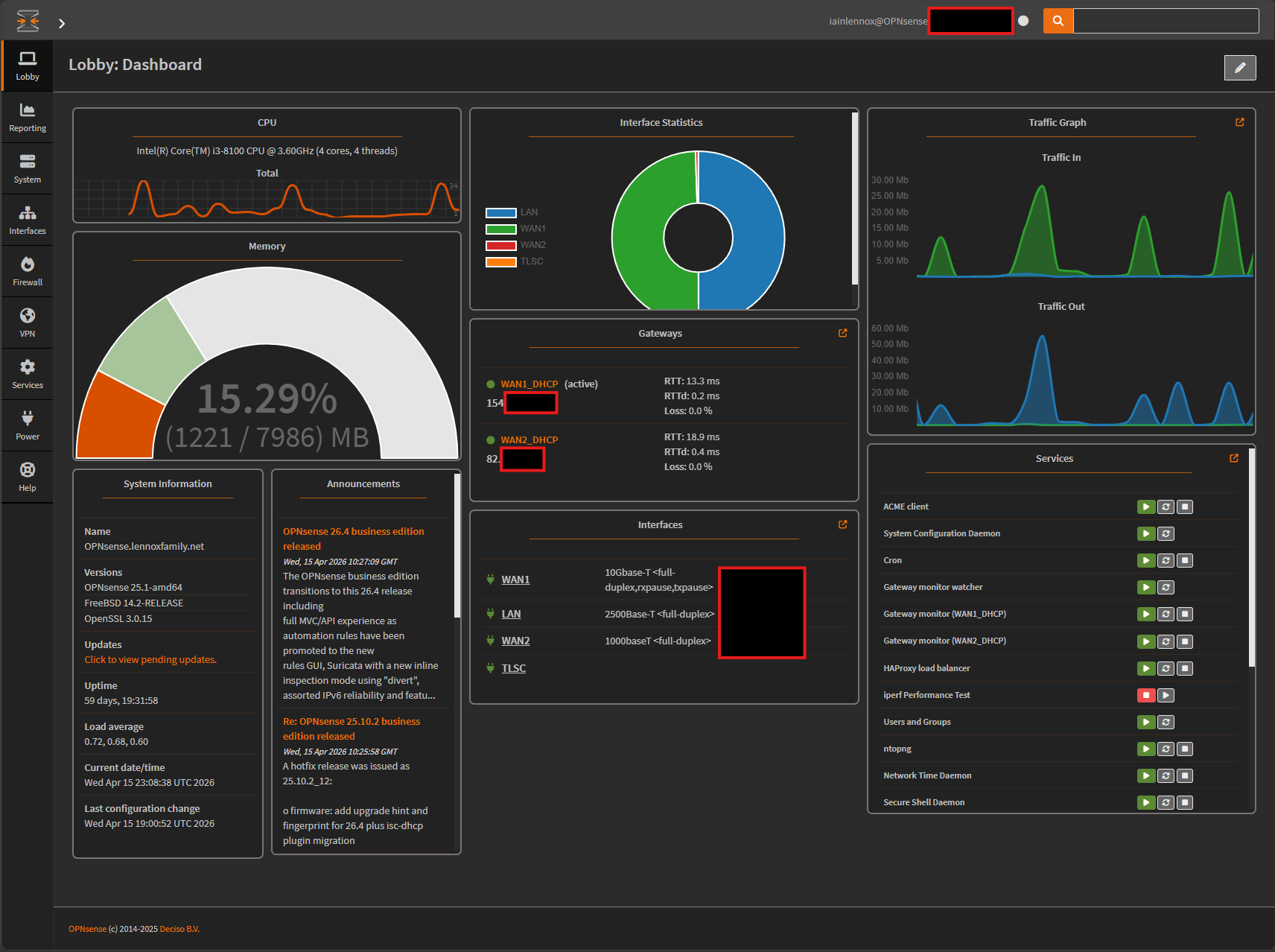
- A router configuration that supports two separate internet connections at once - typically a primary and a failover. If the primary goes down, traffic automatically switches to the secondary. This is what I run: YouFibre as the primary WAN and a second ISP on standby.
- OPNsense
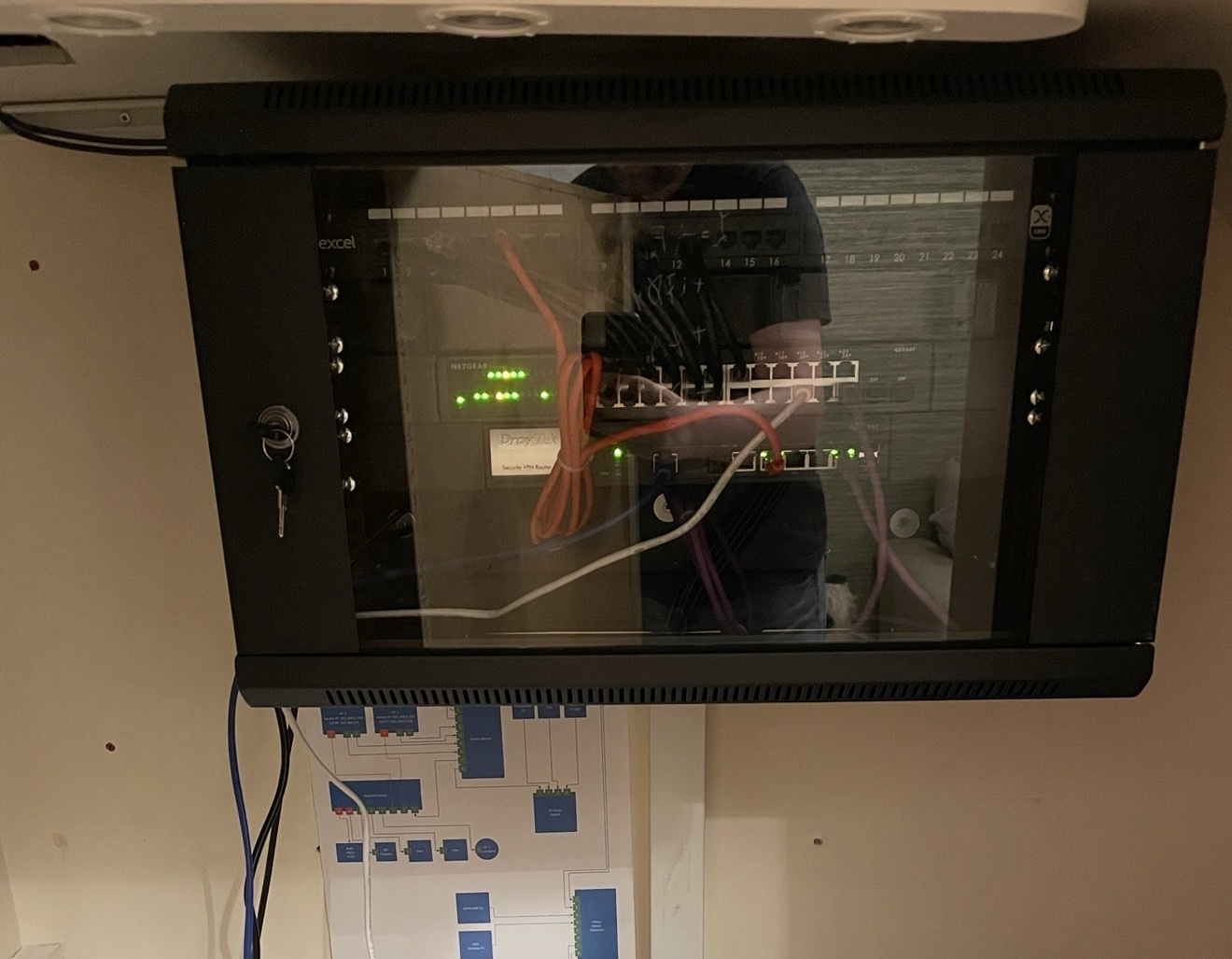
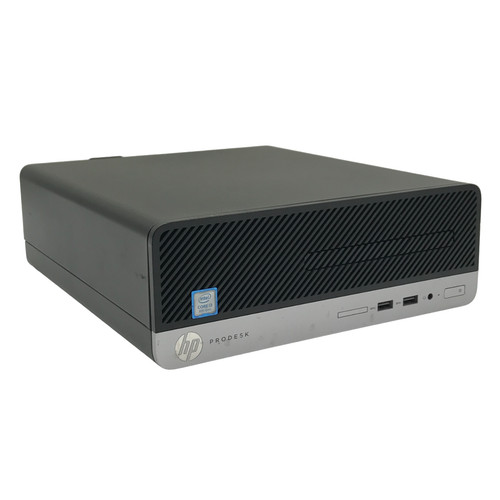
- An open-source firewall and router operating system. Instead of using a consumer router provided by your ISP or bought off the shelf, you run OPNsense on a small PC or dedicated appliance. It gives much finer control over routing, firewall rules, VLANs, and failover - at the cost of some complexity in setup.
- 10GbE / 2.5GbE
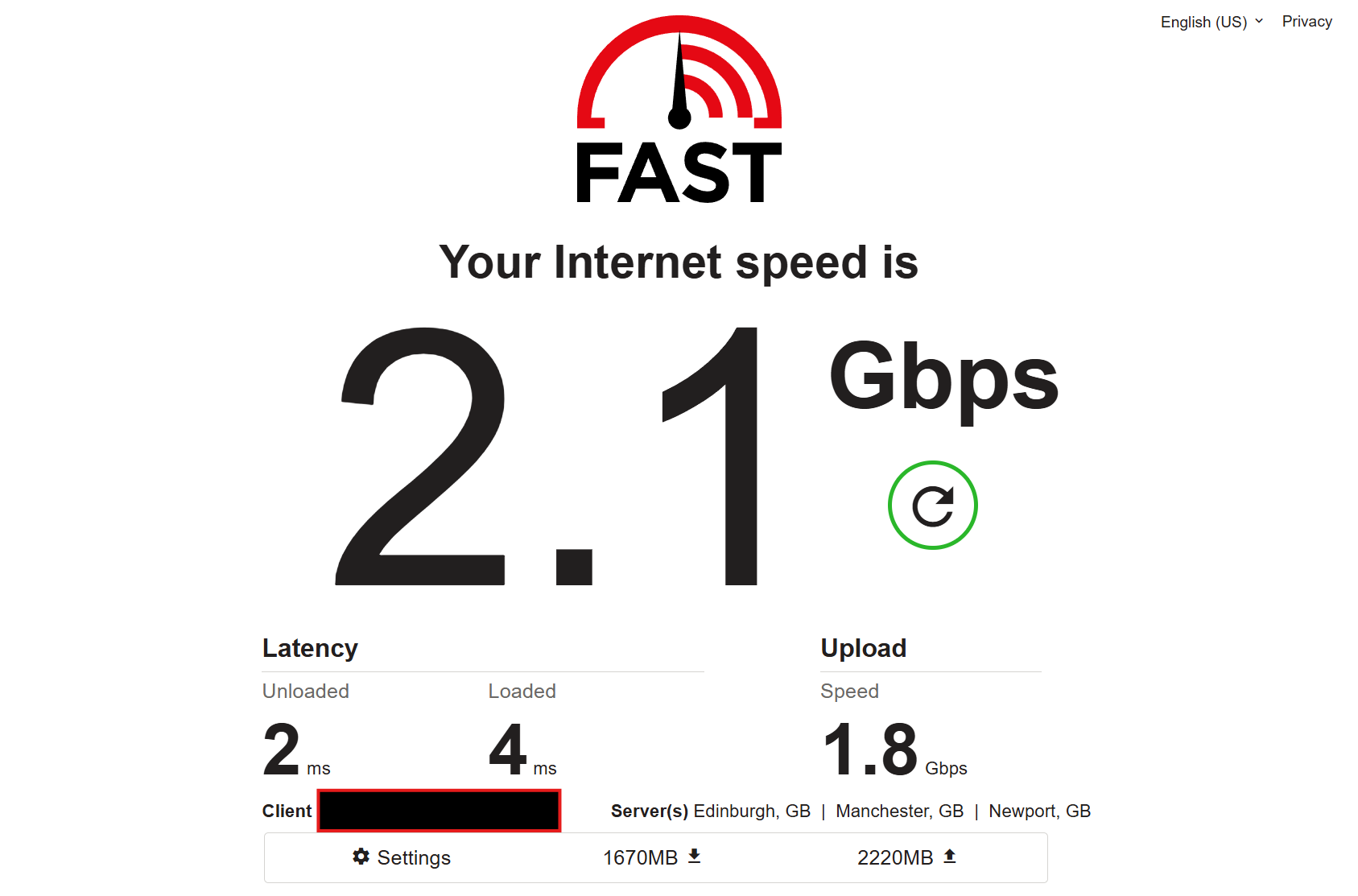
- Ethernet standards rated at 10 Gigabits per second and 2.5 Gigabits per second respectively. Standard Gigabit Ethernet (1GbE) is limited to around 940 Mbps - not enough to use a You2000 (2 Gbps) connection at full speed. To get the most from YouFibre's faster packages, your router, NIC, and any wired devices need ports rated at 2.5 GbE or higher.
- NIC
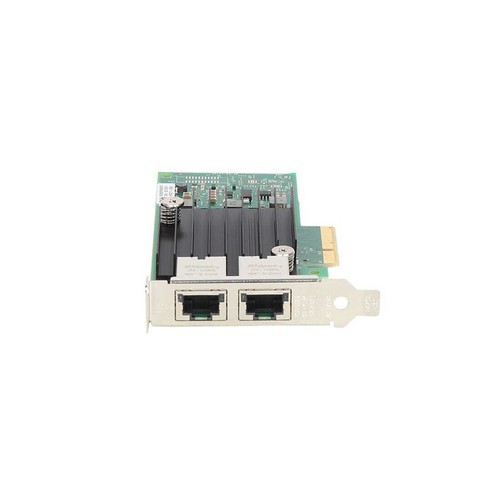
- Network Interface Card. The hardware (built into your motherboard or added as a PCIe card) that provides Ethernet ports. If your PC only has a standard Gigabit NIC, it can't receive more than ~940 Mbps regardless of your broadband speed. Upgrading to a 2.5 GbE USB adapter or PCIe card is the fix.
- Static IP
- An IP address that stays the same every time your router connects to the internet. By default, ISPs assign a dynamic IP that can change periodically. A static IP is useful if you're self-hosting services (websites, email, VPN endpoints) from home, since you can point domain names at it reliably.
- Cat5e / Cat6 / Cat6A
- Categories of Ethernet cable. Cat5e supports up to 1 Gbps. Cat6 supports up to 10 Gbps over short runs. Cat6A supports 10 Gbps reliably over longer runs (up to 100m). If you're on a You2000 package or planning a 10Gb home network, Cat6A is the right choice for new cable runs.
- QoS
- Quality of Service. A router feature that prioritises certain types of traffic (video calls, gaming) over others (downloads, backups). Some routers set a maximum speed limit as part of QoS configuration - if that was set when you were on a slower package, it can artificially cap your speed after an upgrade.